Song words on the projector.

Artosia is free software that puts songs, Bible verses and announcements on a church's projector, from the Windows PC at the media desk.

Version 0.1.14, 2 MB, Windows 10 and 11

The Artosia window: the plan on the left, the next song in the middle, and on the right the slide on the projector, marked red The same window one slide later The same window two slides later The same window three slides later

Press Next. The red row is what the room sees.

What it does

The room sees only the words

The projector runs as its own program, so the words stay up even if the operator window stops.
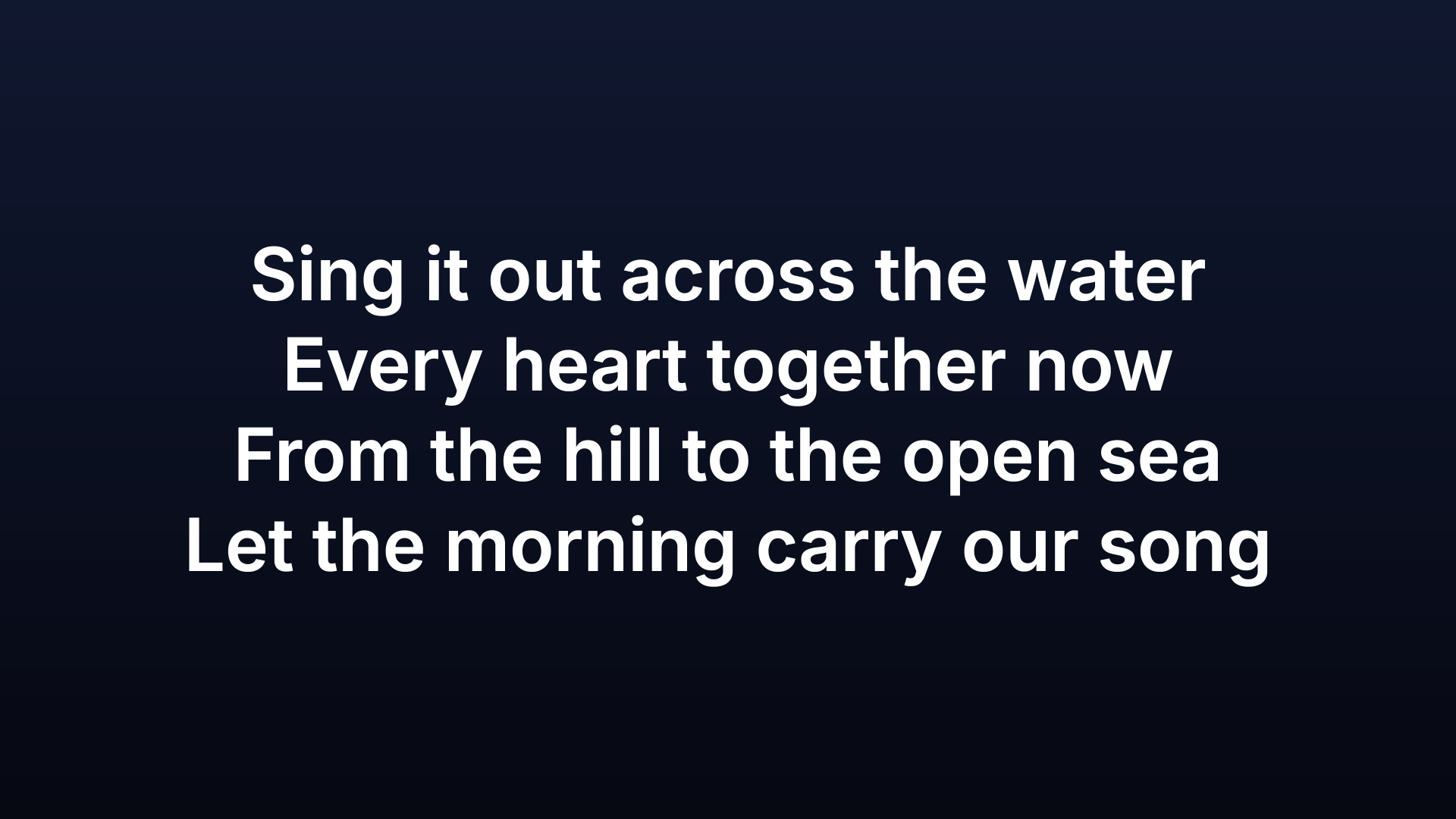
Four lines of a song in white on a dark blue screen
The projector

Find a song by any line

Type the title or whatever line you remember. Typos are forgiven, and the matching words are marked.

The search box with two words typed and four songs found, the matching words in blue
Search opens when you start typing

Pick a look

Six looks are ready. Behind the words goes a colour, a picture, a looping video or a camera, with 318 free backdrops to choose from.

The Design dialog with six ready looks and a preview of the words
Design

Straighten the picture from the desk

A second screen is found and filled by itself. Move its four corners until the picture on the wall is square.

The Screens dialog with two screens listed and four corners to move
Screens

Announcements before the service

Slides that loop while people arrive, typed in or brought in from a PowerPoint file or a birthday list.

The announcements editor with a list of slides and a birthdays slide in the projector preview
Announcements

Start in three steps

  1. Download

    A small setup file of 2 MB.

  2. Open Artosia-setup.exe

    Windows may warn about an unknown publisher the first time, because the programs are not code-signed.

  3. Artosia opens

    The setup fetches the program, adds it to the desktop and the Start menu, and opens it. This needs the internet.

Version 0.1.14, 2 MB, Windows 10 and 11

For a computer with no internet there is a zip of 66 MB to unzip into a folder of your own. Download the zip →

Good to know

Runs on
Windows 10 and 11, 64-bit, and tried on Windows 11 so far. Mac and Linux are planned and untested.
Needs
A projector or a second screen. One screen is enough to try it.
Bible
Verses by reference, such as John 3:16-18, from the Bibles you add.
Your old library
Reads EasiSlides and OpenLyrics song files.
Phone
A web page on the same Wi-Fi moves the slides.
Languages
English and Indonesian, in the window and in the search.
Updates
Each copy fetches the newest release by itself and checks its signature.
Price
Free. The source is open under GPL-3.0-or-later.